

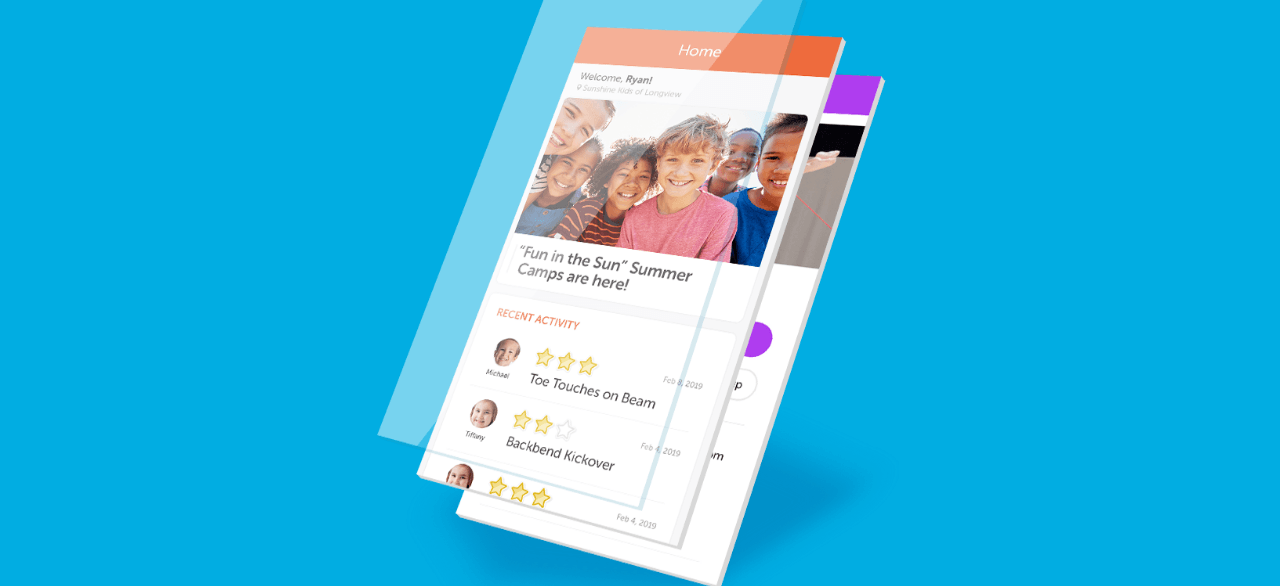
Download the Iclass App for GymKix so you can easily:
- Check Your Child’s Class Progress (Star Chart)
- Request Class Changes
- Get Special Alerts/Sales
- Enroll In Camps/Flip for Friday
- Check Your Billing Statements
- Update Your Account
- And More!
Step 1: Download the app
Click the appropriate link for your phone below:
- iOS – https://itunes.apple.com/app/id1331001591
- Minimum requirements: iOS 10.0+
- Android – https://play.google.com/store/apps/details?id=com.iclasspro.customerportal
- Minimum requirements: Android 4.4+
Step 2: Launch the App
When you launch the app for the first time you will be asked to enter our gym code: gymkix **
Step 3: Login & Use the App
After clicking SUBMIT, you will be prompted to either “Log In” or “Create an Account.”
CHOOSE LOGIN and use your existing email address and password (e-mail us if you need help).
Once logged in, you will be taken to the Account Dashboard. The Dashboard shows any news or upcoming events and also presents you with links along the bottom to perform specific tasks:
- Bookings – this is where you will create new class/camp enrollments
- Account – this is where you will view/update account information, including:
- From Enrollments, view all student enrollments and request a Drop or Transfer (if enabled)
- From Evaluations, view the latest student skill evaluations (if enabled)
- From “Attendance”, view available makeup tokens and request makeups (if enabled) and record a future absence
- Clicking “Student Details” will allow the student’s information to be updated
- Clicking the ADD STUDENT button will allow you to create a new student account
- Update or add a student, view student attendance, evaluations and enrollments
- Make a payment
- View Transaction History
- Update/Add Payment Information
- Add additional guardians/responsible parties to the account
- Update contact information. (Clicking on a particular field will bring up a screen to edit that information.)
- Cart – this is where you can view/edit/delete enrollments in the shopping cart and proceed to checkout when they are ready
- More – this is where you can view News & Announcements, review policies or log out.